 ADevGuide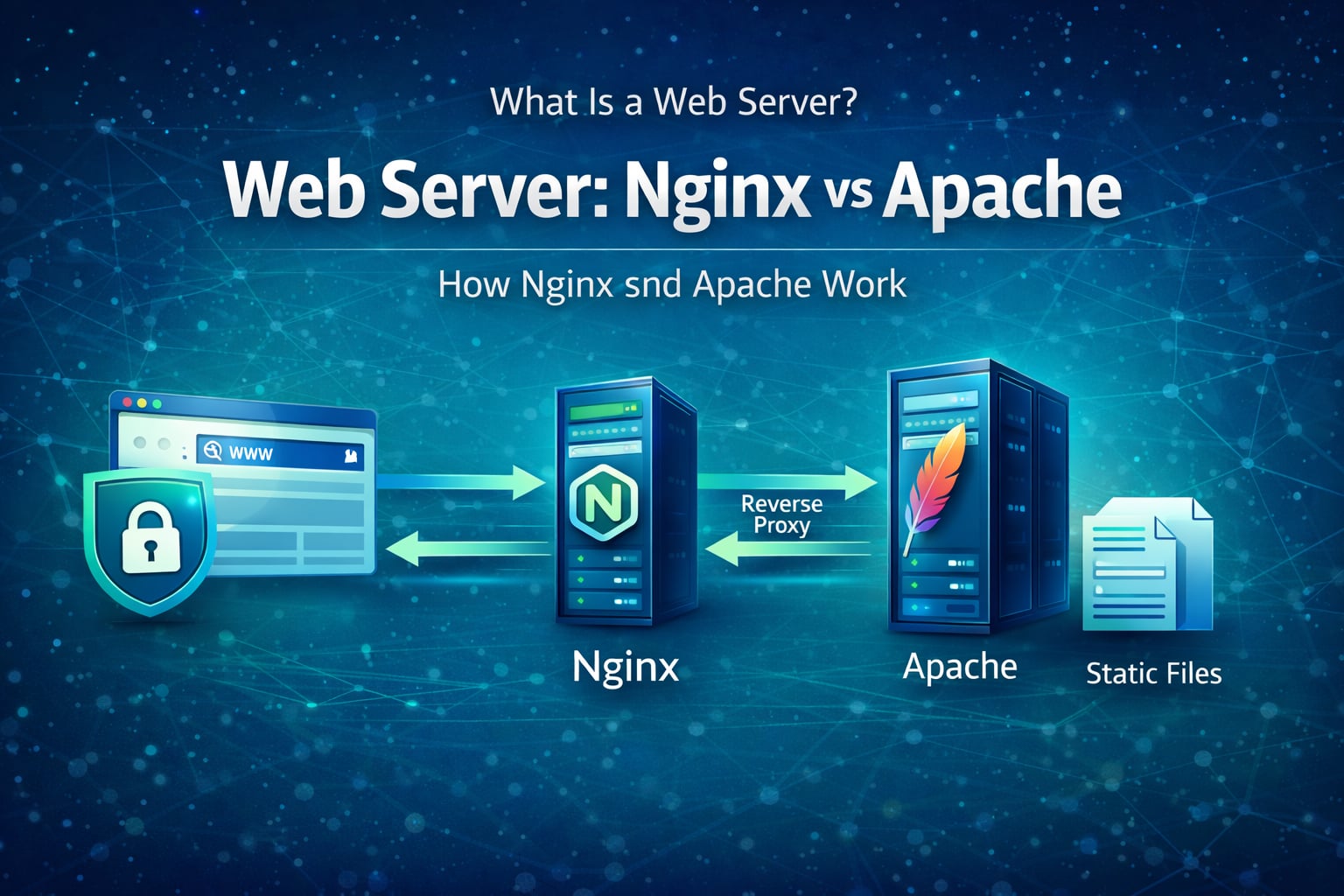
A web server accepts HTTP requests from clients and returns responses such as HTML, JSON, images, or files. In modern systems, Nginx and Apache are two widely used web servers, each with different architecture and strengths. To understand where it fits, revisit how the internet works.
Table of Contents
Open Table of Contents
- Quick Definition
- What a Web Server Actually Does
- Request Flow: Browser to Response
- Nginx vs Apache at a Glance
- How Nginx Works
- How Apache Works
- When to Choose Nginx vs Apache
- Common Production Architecture
- Security and Performance Basics
- Interview Questions
- 1. What is the difference between a web server and an application server?
- 2. Why is Nginx often preferred as a reverse proxy in high-traffic systems?
- 3. When would Apache be a better fit than Nginx?
- 4. What happens if you serve dynamic app traffic directly without a web server layer?
- 5. How do you troubleshoot random 502/504 errors behind Nginx or Apache?
- Conclusion
- References
- YouTube Videos
Quick Definition
A web server is software that:
- Listens for HTTP/HTTPS requests.
- Maps requests to resources or upstream applications.
- Sends back HTTP responses with status codes, headers, and body content.
Examples:
- Static file serving (HTML, CSS, JS, images)
- Reverse proxy to application servers
- TLS termination and redirects
- Request routing and access control
What a Web Server Actually Does
At runtime, a web server handles much more than just “serving pages”:
- Connection handling: accepts and manages concurrent client connections.
- Protocol handling: parses HTTP methods, headers, and URL paths.
- Routing: chooses whether to return static files or proxy upstream.
- Security controls: applies TLS, limits, auth checks, and header policies.
- Logging: captures access/error logs for observability and debugging.
Request Flow: Browser to Response
flowchart TD
    A[Browser] --> B[DNS Resolution]
    B --> C[TLS Handshake]
    C --> D[Nginx or Apache]
    D --> E{Static File?}
    E -->|Yes| F[Return File]
    E -->|No| G[Proxy to App Server]
    G --> H[App Logic]
    H --> I[(Database or Cache)]
    I --> H
    H --> D
    F --> A
    D --> A
    A --> J{Another Request?}
    J -->|Yes| D
    J -->|No| K[Idle]

    classDef web fill:#e1f5fe,stroke:#01579b,stroke-width:2px,color:#000000;
    class A,B,C,D,E,F,G,H,I,J,K web;
This split is why web servers and application servers are often separated in production. The TLS and routing steps here also depend on HTTP vs HTTPS, and the underlying reliability trade-offs of TCP vs UDP.
Nginx vs Apache at a Glance
| Aspect | Nginx | Apache HTTP Server |
|---|---|---|
| Core model | Event-driven, asynchronous | Process/thread-based (configurable MPM) |
| Static files | Very strong at high concurrency | Strong, but architecture differs by module/MPM |
| Reverse proxy | Commonly used in front of apps | Also supports proxying well |
| Config style | Centralized blocks (server, location) | Rich module ecosystem, .htaccess support |
| Runtime tuning | Predictable under high parallel load | Flexible, can be tuned deeply |
How Nginx Works
Nginx uses an event loop model:
- A small number of worker processes handle many connections.
- Non-blocking I/O avoids creating one thread per connection.
- Reverse proxying and static delivery remain efficient under high concurrency.
Nginx is often chosen for edge roles:
- TLS termination
- Gzip/Brotli compression
- Caching responses
- Load balancing to upstream app instances
How Apache Works
Apache HTTP Server is highly modular and flexible:
- Modules provide capabilities (
mod_ssl,mod_rewrite,mod_proxy, etc.). - Multi-Processing Modules (MPMs) define concurrency strategy.
.htaccessenables per-directory overrides (useful in shared hosting).
Apache remains common where teams need:
- Mature module ecosystem
- Fine-grained per-directory rules
- Existing operational familiarity in legacy stacks
When to Choose Nginx vs Apache
Choose Nginx when:
- You need high-concurrency reverse proxying.
- You want simple front-door routing and TLS handling.
- You want efficient static asset delivery at scale.
Choose Apache when:
- You depend heavily on Apache module behaviors.
- You need
.htaccessstyle directory-level overrides. - Your environment is already standardized on Apache tooling.
In many teams, this is not either-or. A common setup is Nginx at the edge and app servers behind it.
Common Production Architecture
A practical deployment pattern:
- CDN handles global edge caching.
- Nginx/Apache handles ingress, TLS, redirects, static files.
- Application servers handle business logic.
- Redis/DB handles data and caching.
This separates transport concerns from application concerns and improves scalability and reliability.
Security and Performance Basics
Must-have practices:
- Enforce HTTPS and redirect HTTP to HTTPS.
- Set secure headers (
HSTS,X-Content-Type-Options, etc.). - Limit request body size and request rate.
- Enable compression for text assets.
- Cache static assets with explicit cache headers.
- Monitor access/error logs with alerting.
Small configuration mistakes at web server level can create major downtime or security risk, so treat these settings as production-critical.
Interview Questions
1. What is the difference between a web server and an application server?
A web server focuses on HTTP handling, static assets, TLS, and proxying. An application server executes business logic and interacts with data stores.
In practice they often collaborate: the web server is the front door, and the application server is the backend engine.
2. Why is Nginx often preferred as a reverse proxy in high-traffic systems?
Its event-driven model handles many concurrent connections efficiently with low overhead. This is useful for TLS termination, routing, buffering slow clients, and shielding upstream services.
A good answer mentions that architecture, not branding, is the reason.
3. When would Apache be a better fit than Nginx?
Apache can be a better fit when teams rely on specific Apache modules or per-directory .htaccess controls. It can also be easier in environments already built around Apache conventions.
Interviewers want you to justify trade-offs, not claim one tool always wins.
4. What happens if you serve dynamic app traffic directly without a web server layer?
Your app servers must handle TLS termination, static file delivery, slow clients, and connection-level concerns. That increases app complexity and can reduce resilience under load.
A front web server layer helps isolate those concerns and improve performance.
5. How do you troubleshoot random 502/504 errors behind Nginx or Apache?
Start by correlating gateway errors with upstream app logs and latency metrics. Check timeouts, connection limits, upstream health, and dependency latency (DB/cache/downstream APIs).
Most intermittent 502/504 incidents are upstream instability or timeout mismatch, not just web server misconfiguration.
Conclusion
Web servers are foundational infrastructure, not just static file hosts. Understanding how Nginx and Apache process requests helps you design cleaner architectures, debug incidents faster, and make better production trade-offs. For a structured path through these fundamentals, browse the Web Fundamentals hub.
If you are building backend systems, learn one web server deeply and understand when to combine it with app servers, caches, and CDNs.
References
- MDN: What is a web server? https://developer.mozilla.org/en-US/docs/Learn/Common_questions/Web_mechanics/What_is_a_web_server
- RFC 9110 - HTTP Semantics https://www.rfc-editor.org/rfc/rfc9110
- Nginx Documentation https://nginx.org/en/docs/
- Apache HTTP Server Documentation https://httpd.apache.org/docs/
- Caddy Documentation https://caddyserver.com/docs/
- Cloudflare: What is a web server? https://www.cloudflare.com/learning/ddos/glossary/web-server/
- OWASP: HTTP Headers Cheat Sheet https://cheatsheetseries.owasp.org/cheatsheets/HTTP_Headers_Cheat_Sheet.html
YouTube Videos
- “What is DNS? (Domain Name System)” - PowerCert Animated Videos https://www.youtube.com/watch?v=mpQZVYPuDGU
- “DNS Explained” - IBM Technology https://www.youtube.com/watch?v=72snZctFFtA
- “How a DNS Server (Domain Name System) works” - CBT Nuggets https://www.youtube.com/watch?v=2ZUxoi7YNgs
- “DNS and How it Works” - NetworkChuck https://www.youtube.com/watch?v=UVR9lhUGAyU